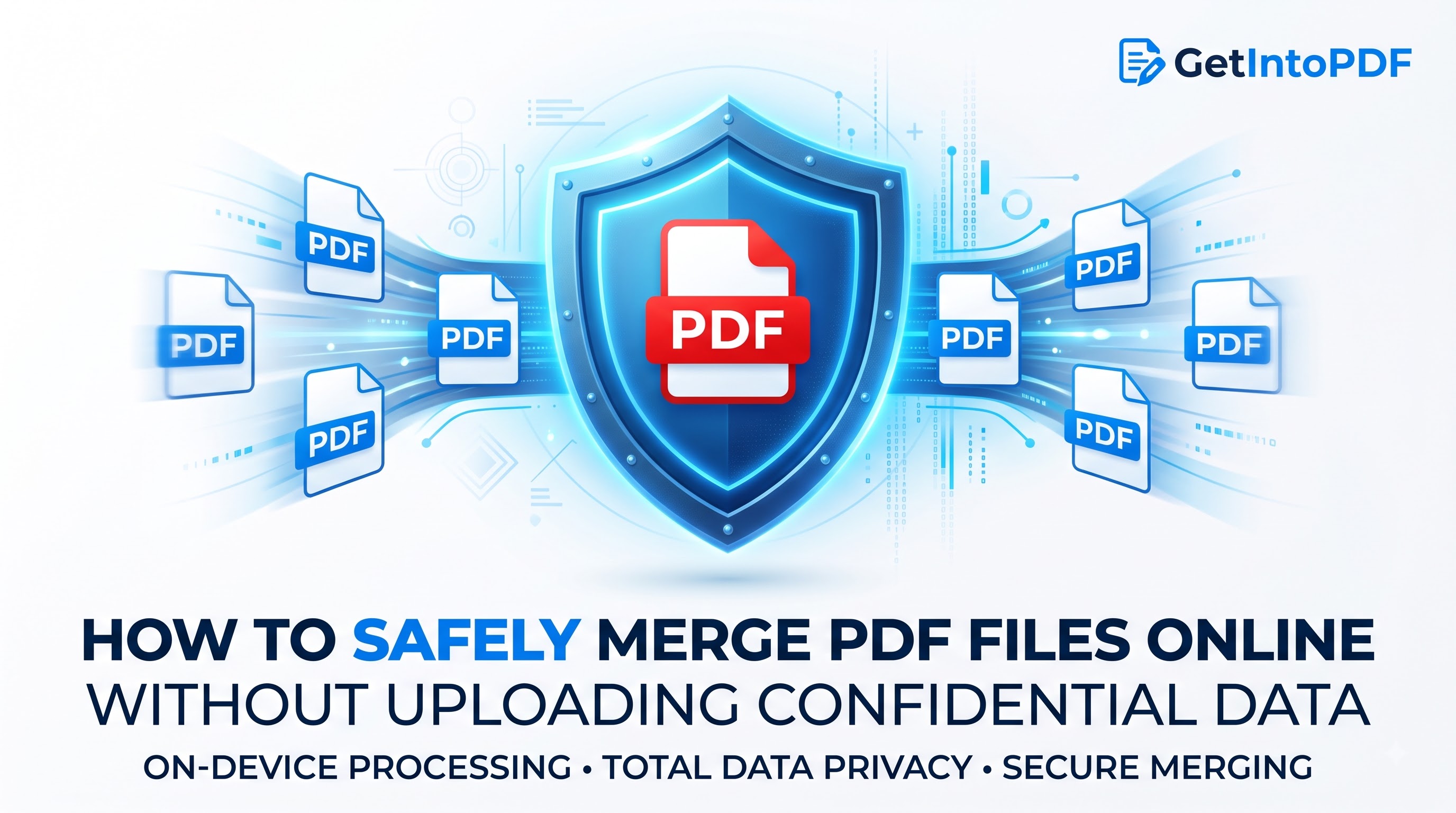
In today's digital workplace, document privacy is no longer optional. Uploading sensitive business contracts, medical histories, tax returns, or legal filings to random online PDF conversion servers introduces unacceptable cybersecurity vulnerabilities. This comprehensive guide details how modern browser technologies enable 100% client-side PDF merging without sending a single byte to remote servers.
The Hidden Security Risks of Server-Based PDF Converters
When you utilize standard online PDF converters, your uploaded documents travel over public networks to third-party cloud servers. Once hosted on a remote server, the machine runs background scripts to process your files before generating a downloadable link.
While reputable platforms state that files are erased within an hour, server access logs, unencrypted storage buckets, and temporary memory caches create major vulnerabilities. Independent cybersecurity audits frequently uncover millions of orphaned PDF documents containing sensitive Personally Identifiable Information (PII) exposed in misconfigured cloud storage S3 buckets.
Server-Side vs. Client-Side PDF Processing
| Feature | Traditional Cloud Converters | GetIntoPDF Client-Side Engine |
|---|---|---|
| File Transmission | Uploaded over HTTP/S to cloud server | Zero network transfer (Stays on device) |
| Processing Memory | Remote Linux virtual machine RAM | Local browser WebAssembly sandbox |
| Data Breach Risk | High (Server exposure & log leaks) | Impossible (No server involved) |
| Processing Speed | Depends on upload bandwidth | Instantaneous (Local CPU execution) |
How WebAssembly & Web APIs Protect Your Documents
Modern browser engines like Google Chrome, Mozilla Firefox, and Apple Safari have evolved into powerful local application platforms. By taking advantage of WebAssembly (Wasm) and JavaScript TypedArrays (ArrayBuffers):
- Local Binary Parsing: Your PDF's internal cross-reference tables, stream dictionaries, and page tree nodes are parsed directly inside your device's memory.
- Isolated Memory Sandbox: All operations execute within an isolated browser process, preventing any external data leakage.
- Direct Stream Generation: The compiled merged document is generated as a Blob in browser memory and passed directly to your local file system download manager.
Step-by-Step Security Protocol for Merging PDFs
- Open the GetIntoPDF Merge Tool in any standard desktop or mobile web browser.
- Drag and drop your confidential PDF documents into the dropzone.
- Verify and adjust the visual sequence of your files in the workspace list.
- Click "Merge PDFs Now" to trigger instant local compilation.
- Click "Download Merged PDF" to save the final file locally.
Video Tutorial: How to Merge PDFs in 10 Seconds
Watch this quick 10-second video tutorial demonstrating how easy and fast it is to combine PDF files directly in your browser:
Compliance Standards: GDPR, CCPA, and Client Confidentiality
For legal firms, healthcare providers, and accounting practices, uploading client documents to unverified cloud servers can violate regulatory frameworks such as GDPR (Article 32 security of processing) and HIPAA. Utilizing client-side utilities guarantees compliance because data never leaves the controlled environment of the user's endpoint device.